Weekend rush at your salon can feel like a high-stakes juggling act. Clients arrive for their appointments, walk-ins hope for a slot, phones ring off the hook, and the checkout queue grows. Without a well-oiled system, your front desk can quickly become a bottleneck, leading to frustrated clients, stressed staff, and missed revenue opportunities. The key to thriving on these busy days isn't just working harder, but working smarter.
A calm and efficient front desk isn't just about processing transactions; it's the first and last impression your clients have of your salon. It sets the tone for their visit and influences their decision to return. By implementing clear processes for managing client flow, accelerating payments, and empowering your reception team, you can transform chaotic weekends into profitable, stress-free service days.
Streamlining Your Appointment and Walk-in Flow
The foundation of a calm front desk on busy weekends lies in mastering your client flow. You need a robust system that handles both pre-booked appointments and spontaneous walk-ins without a hitch.
Managing Appointments Seamlessly
- Confirmations are Key: Always send automated WhatsApp booking confirmations when clients book. This reduces no-shows and ensures clients have all the details.
- The Appointment Queue: On busy days, your appointment list is your bible. Ensure your front desk team has a clear, real-time view of all scheduled bookings. With SalonBill, today's bookings appear in an appointment queue and can be turned into job cards in one click, making the transition from booking to service incredibly smooth.
- Pre-Assign Stylists: Wherever possible, pre-assign stylists to appointments. This saves time at check-in and allows stylists to prepare.
Handling Walk-ins Efficiently
- Warm Welcome, Quick Assessment: Greet walk-ins promptly. Politely ask about their desired service and check stylist availability immediately.
- Manage Expectations: If there's a wait, be upfront about it. Offer an estimated wait time and suggest if a different service or stylist might be available sooner. A comfortable waiting area with magazines or a menu of services can make the wait more pleasant.
- Strategic Slotting: Train your team to identify small gaps between appointments where a quick walk-in service (like a haircut or threading) can be accommodated without disrupting scheduled clients.
Worked Example: Slotting a Walk-in
It's Saturday morning. Your 11:00 AM client is in for a haircut, finishing around 11:45 AM. The next client is at 12:00 PM. A walk-in arrives at 11:05 AM asking for a quick beard trim. Your system shows Stylist A finishes their current client at 11:20 AM and has no booking until 12:30 PM. Your front desk can confidently offer the walk-in a slot with Stylist A at 11:25 AM, ensuring minimal wait for the client and maximising stylist utilisation.
From Booking to Job Card: The Seamless Transition
Once a client arrives, whether by appointment or as a walk-in, the next crucial step is converting their booking into a job card. This document is the blueprint for their service, ensuring clarity for both the client and the service provider.
- The Purpose of a Job Card: A job card details the services requested, the stylist assigned, any specific notes (e.g., colour formula, client preferences), and the estimated cost. It prevents miscommunication and ensures accurate billing later.
- One-Click Conversion: On busy days, speed is paramount. With SalonBill, this is streamlined: today's bookings appear in an appointment queue and can be turned into job cards with a single click. This eliminates manual data entry for appointments, saving precious time and reducing errors. For walk-ins, creating a new job card should be quick and intuitive.
- Stylist Readiness: Once the job card is created and assigned, the stylist is immediately aware of their next client and service. This allows them to prepare their station and tools, ensuring a smooth transition between clients.
- Client Confirmation: Briefly review the services on the job card with the client at the front desk. This confirms their request and avoids any surprises later.
Accelerating Checkout with Dual Payment Options
The checkout counter can often become the biggest bottleneck on a busy weekend. Clients are eager to leave, and long queues can quickly sour their experience. Offering quick, flexible payment options is essential.
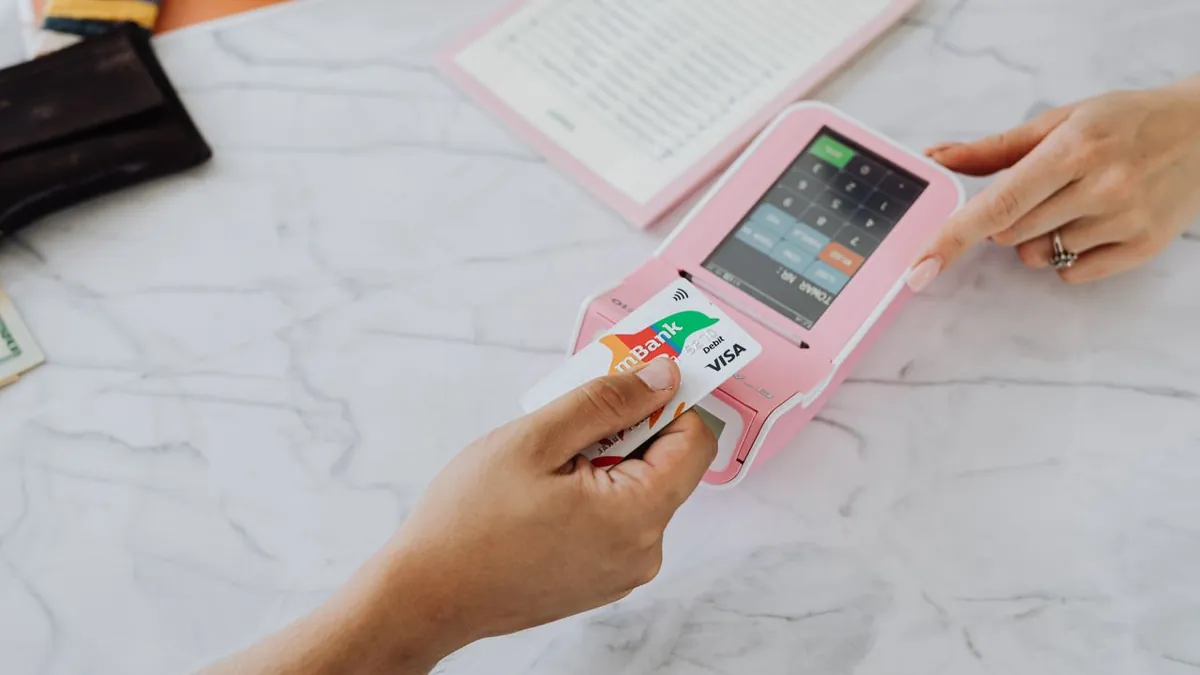
- Multiple Payment Modes: In India, clients use a variety of payment methods. Your system should support this seamlessly. SalonBill simplifies this with its robust service billing system, supporting dual payment and multiple payment rows (Cash, Card, Gpay/UPI, wallet, package, advance package, prepaid coupon). This flexibility means clients can pay exactly how they prefer, speeding up the process.
- Split Payments: Many clients prefer to split their bill, perhaps paying part with cash and the rest with a digital wallet or card. Your system should handle this effortlessly. SalonBill allows for several payment rows that must add up to the total due, and a saved bill's payment mode can even be corrected with a record kept for audit purposes. Learn more about split payments.
- GST Calculation: Ensure your billing system correctly calculates GST. Remember to confirm the current GST rates with your chartered accountant; as of 22 September 2025, beauty and physical well-being services are taxed at 5% GST without input tax credit. SalonBill calculates GST after discount and shows it as CGST + SGST, with the option to apply it on top of or included in menu prices. Understand GST on bills.
- Discount Management: If discounts are applied, ensure they are within your salon's set limits. Owners can set a maximum discount in SalonBill, and managers can never exceed 50%. This limit covers line discounts, bill discounts, and offer savings together. Manage your discount limits.
- Digital Invoices: Once the payment is processed, send the invoice directly to the customer on WhatsApp from your outlet's own connected number with a receipt link. This is quick, eco-friendly, and preferred by many clients. You can also print invoices in A4, 80 mm, and 58 mm layouts if needed. Send and print invoices easily.
Worked Example: Dual Payment Checkout
A client's bill is ₹1,800. They have ₹500 in cash and want to pay the remaining ₹1,300 via Gpay. Your front desk simply enters ₹500 under 'Cash' and ₹1,300 under 'Gpay/UPI' in SalonBill. The system ensures the total matches, calculates GST (e.g., 5% on ₹1,800 = ₹90, total ₹1,890), and processes the transaction swiftly. The client receives their WhatsApp invoice instantly.
Clear Role Permissions for Your Reception Team
Empowering your front desk team while maintaining control is crucial. Clear role permissions ensure that your receptionists can perform their duties efficiently without compromising financial security or operational integrity.
- Defined Responsibilities: Clearly outline what each role at the front desk is responsible for. This includes booking appointments, creating job cards, processing payments, managing the cash drawer, and handling client queries.
- Access Control: Your salon management software should allow you to set granular permissions. For instance, receptionists might have full access to appointment scheduling and billing, but limited access to sensitive financial reports or discount overrides. SalonBill allows owners to set clear permissions, ensuring your receptionists can perform their duties efficiently without compromising financial security.
- Cash Drawer Management: The cash drawer is a critical point of control. Receptionists should be able to open and close it, but any corrections or discrepancies (e.g., Short/Excess cash at closing) should require higher-level permission and a reason, with all actions recorded in an audit history. SalonBill's cash drawer feature tracks opening cash, expected closing balance, and highlights any differences, requiring permission and a reason for corrections. Understand cash drawer management.
- Discount Authority: While receptionists might be authorised to apply certain pre-approved offers, any discretionary discounts should be within set limits. As mentioned, SalonBill allows owners to set maximum discount limits, which managers can never exceed 50%.
- Training and Trust: Invest in thorough training for your reception team on how to use your software and follow your salon's protocols. Trust them to do their job, knowing that your system provides the necessary checks and balances.
Beyond the Transaction: Enhancing Client Experience
While speed and efficiency are vital, the human touch remains irreplaceable. A calm front desk uses its efficiency to create a more pleasant and memorable experience for every client.
- The Warm Farewell: A genuine thank you and a pleasant farewell can leave a lasting positive impression.
- Encourage Rebooking: Before clients leave, gently remind them to rebook their next appointment. This secures future revenue and provides convenience for the client.
- Leverage Loyalty Programs: Remind clients about your loyalty program. With SalonBill, clients can earn points per ₹100 spent, which they can redeem on future visits. This encourages repeat business and makes them feel valued. Set up your loyalty points.
- Promote Memberships and Packages: Highlight the convenience and savings of your salon's memberships, service packages, or advance packages. These not only secure future revenue but also streamline future checkouts for clients. Explore memberships and packages.
- Birthday & Anniversary Wishes: Use your client data to send automated birthday or anniversary vouchers. SalonBill's marketing features allow you to send automatic Birthday, Anniversary, and "We Miss You" vouchers, making clients feel special and encouraging return visits. Discover marketing campaigns.
Your Weekend Front Desk Checklist
- Review Appointments: Start each busy day by reviewing all scheduled appointments, noting any special requests or VIP clients.
- Brief Your Team: Hold a quick morning huddle with your front desk and stylists to discuss the day's flow, potential challenges, and any promotions.
- Prepare Your System: Ensure your salon management software is running smoothly, payment terminals are charged, and all necessary supplies (receipt paper, change) are at hand.
- Assign Clear Roles: Confirm that each front desk team member knows their responsibilities and has the necessary permissions.
- Monitor Flow: Regularly check the appointment queue and walk-in status throughout the day, adjusting as needed.
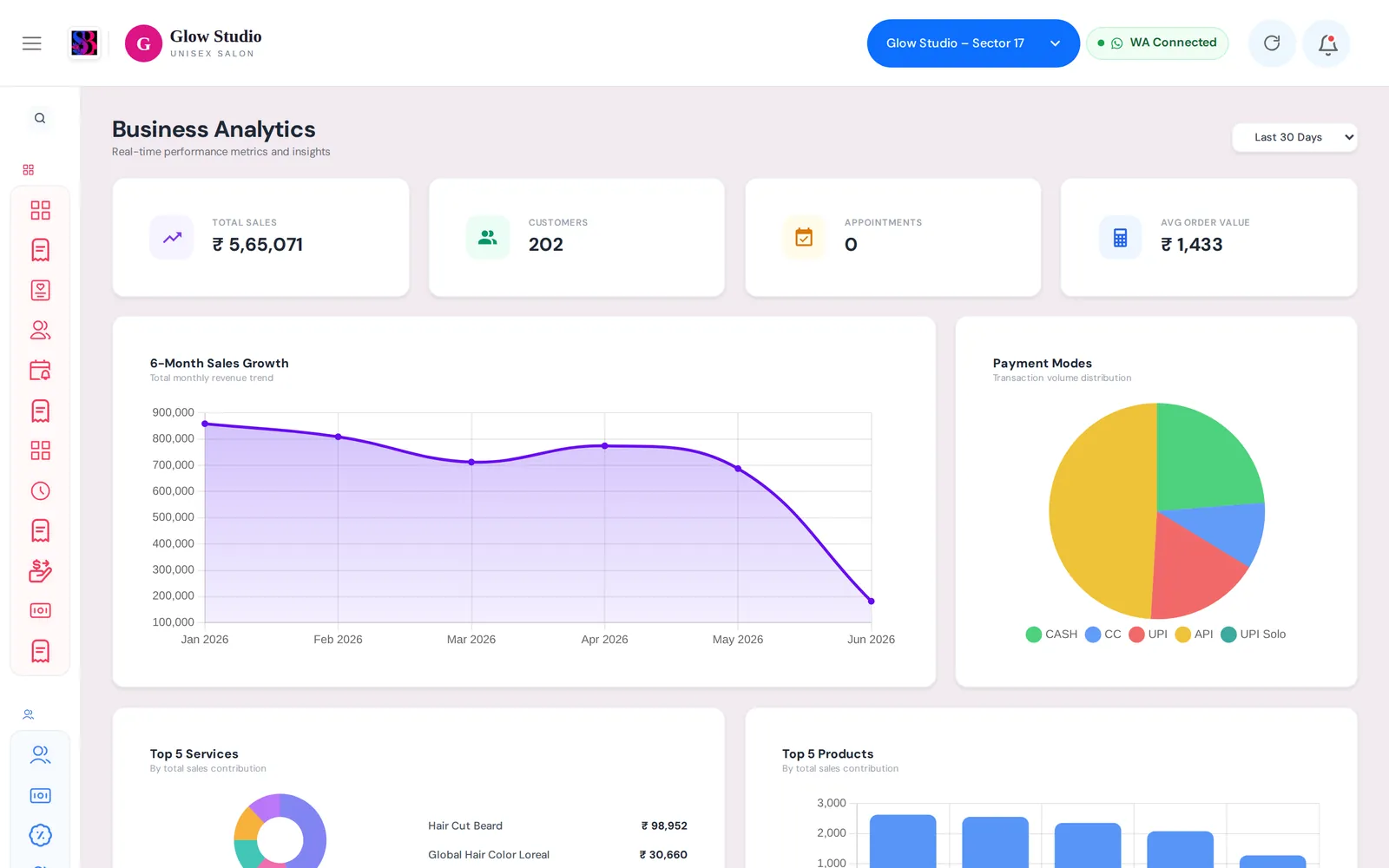
- Post-Weekend Review: After the weekend, take a moment to review what went well and identify areas for improvement. Use reports (like SalonBill's management report) to analyse peak times, service popularity, and staff performance.