
Memberships, Packages & Coupons
Create and bill service combos
Bundle two or more services at one special price, add a combo sale incentive, bill it in seconds and track combo sales and savings.
- Who can use it
- Owner/Admin, Co-owner, or staff with "Create services", "Update services" or "Delete services" (not Managers)
- Where to find it
- Services & Products → Service Combos
A service combo bundles services you already have (for example Haircut + Beard) at one special price. On the bill it is added as its real services, so staff, reports and incentives stay correct, and the combo price cannot be cut further.
What this feature does
- You pick existing services and set a Combo Selling Price. The screen shows how much the customer saves.
- At billing, each included service is added at its share of the combo price. The shares always add up to exactly the combo price.
- Optionally, the staff member who sold the combo earns a one-time combo incentive.
Who can use it
- Create, edit, activate/deactivate or delete combos: Owner/Admin, Co-owner, or staff with Create services, Update services or Delete services.
- Managers can view combos and bill them, but cannot create or change them.
- Anyone who can make bills or Job Cards can add an active combo.
Where to find it
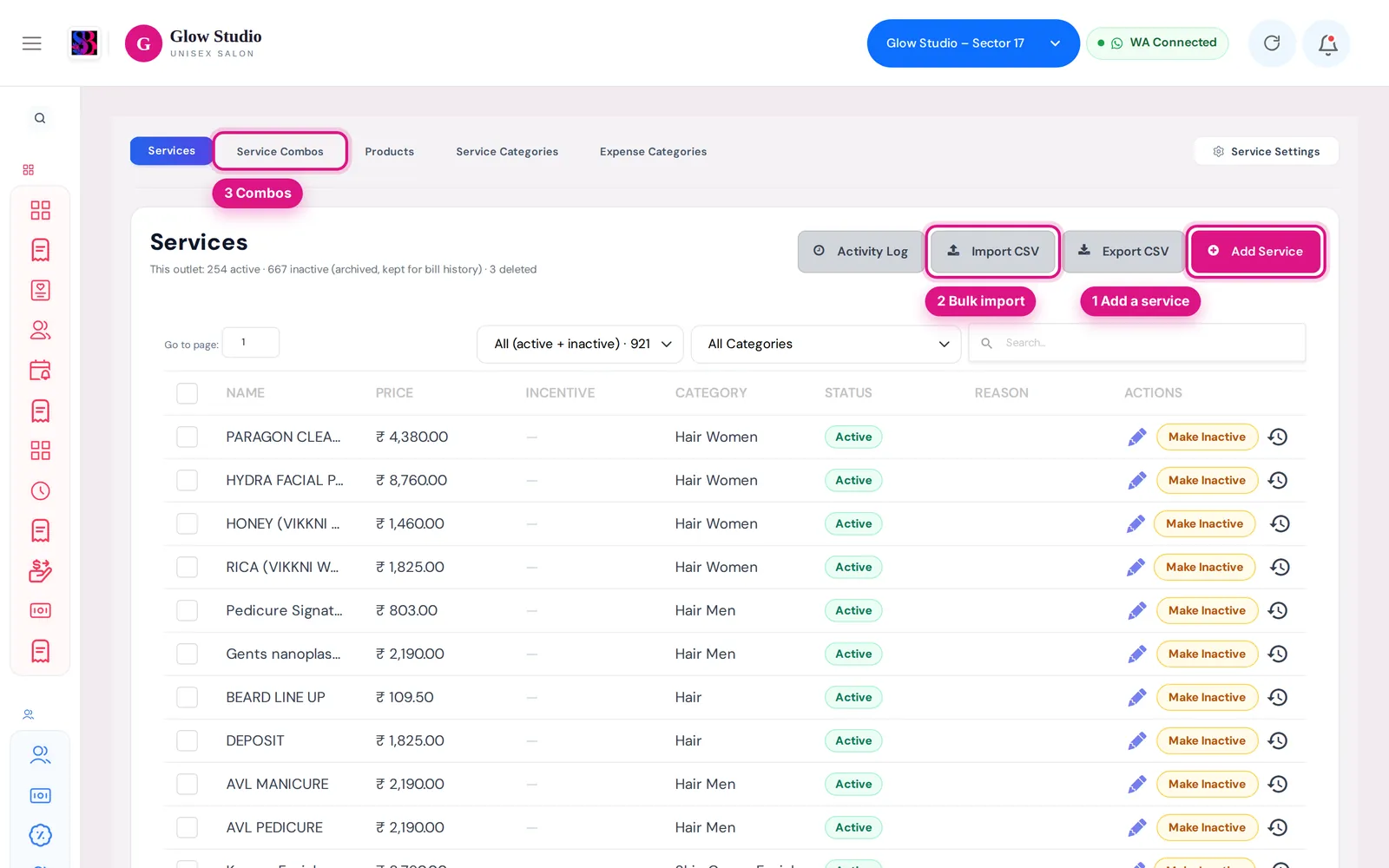
Services & Products → Service Combos. The Combos view lists your combos; Combo Sales shows the report.
How to use it
Create a combo
- Click Create Combo.
- Type the Combo Name (for example "Haircut + Beard Combo").
- Under Included Services, search and add at least 2 services. Use − / + to set the quantity.
- Each service shows its Menu Price (from your service list) and a Combo Reference Value. You may raise the reference value but not lower it below the menu price.
- Enter the Combo Selling Price. Check Total Combo Value and You Save.
- Optionally tick Enable Staff Incentive for this Combo and choose Fixed ₹ or % of combo price.
- Keep Active — available in Billing and Job Cards ticked and click Save Combo.
Bill a combo
- On Make A Bill, open the service search. Combos appear at the top under 🎁 Service Combos; you can search by combo name or an included service.
- Pick the combo. Its services are added with a combo header showing Combo Value, the combo price, You Save and 🔒 Price locked.
- Choose who performed each service and, in the header, who the combo was Sold by.
- Take payment by cash, UPI or card and save.
On a Job Card, the Assign Staff box lets you choose Same staff for all services or Different staff per service, and who sold the combo, then Add Combo to Job Card.
Important rules and limits
| Rule | What it means |
|---|---|
| Price is final | No bill discount, special discount or coupon can reduce the combo part. Discounts apply only to the normal services on the same bill. |
| No wallet | Combo pricing is for Cash / UPI / Card only. It cannot be paid from a Membership Wallet or package. Bill the services individually for wallet customers. |
| No complimentary | A bill with a combo cannot be made complimentary. |
| Loyalty points | Points can pay only for the normal services on the bill. |
| Price limit | The selling price cannot be more than the Total Combo Value. |
- The combo incentive is paid once per combo sold to the Sold by staff. The stylists who perform the services keep their normal service incentive on their share.
- A combo with a problem (for example an included service was removed) shows a warning and cannot be billed until it is fixed.
- Changing a combo never changes your menu prices.
Combo Sales report
Pick a From and To date to see Combos sold, Combo revenue, Normal value, Customer savings and Combo incentive, plus a By staff (sold by) table and Recent combo sales.
Common problems
"Combo pricing is not available with Membership Wallet"?
Change the payment to cash, UPI or card, or remove the combo and bill the services one by one.
"Combo Reference Value … cannot be lower than its Menu Price"?
Set the reference value equal to or above the menu price.
I cannot see Create Combo?
Your role is Manager, or you do not have Create services. Ask the Owner/Admin.
Last updated