
Coupon or Spin & Win reward is not applying
What each promo coupon, Spin & Win and prepaid coupon message means at billing - expired, wrong customer, minimum bill, regular price only - and how to fix it.
- Who can use it
- Everyone who makes bills
- Where to find it
- Make A Bill → Promo Coupon; Make A Bill → Payment (Prepaid Coupon)
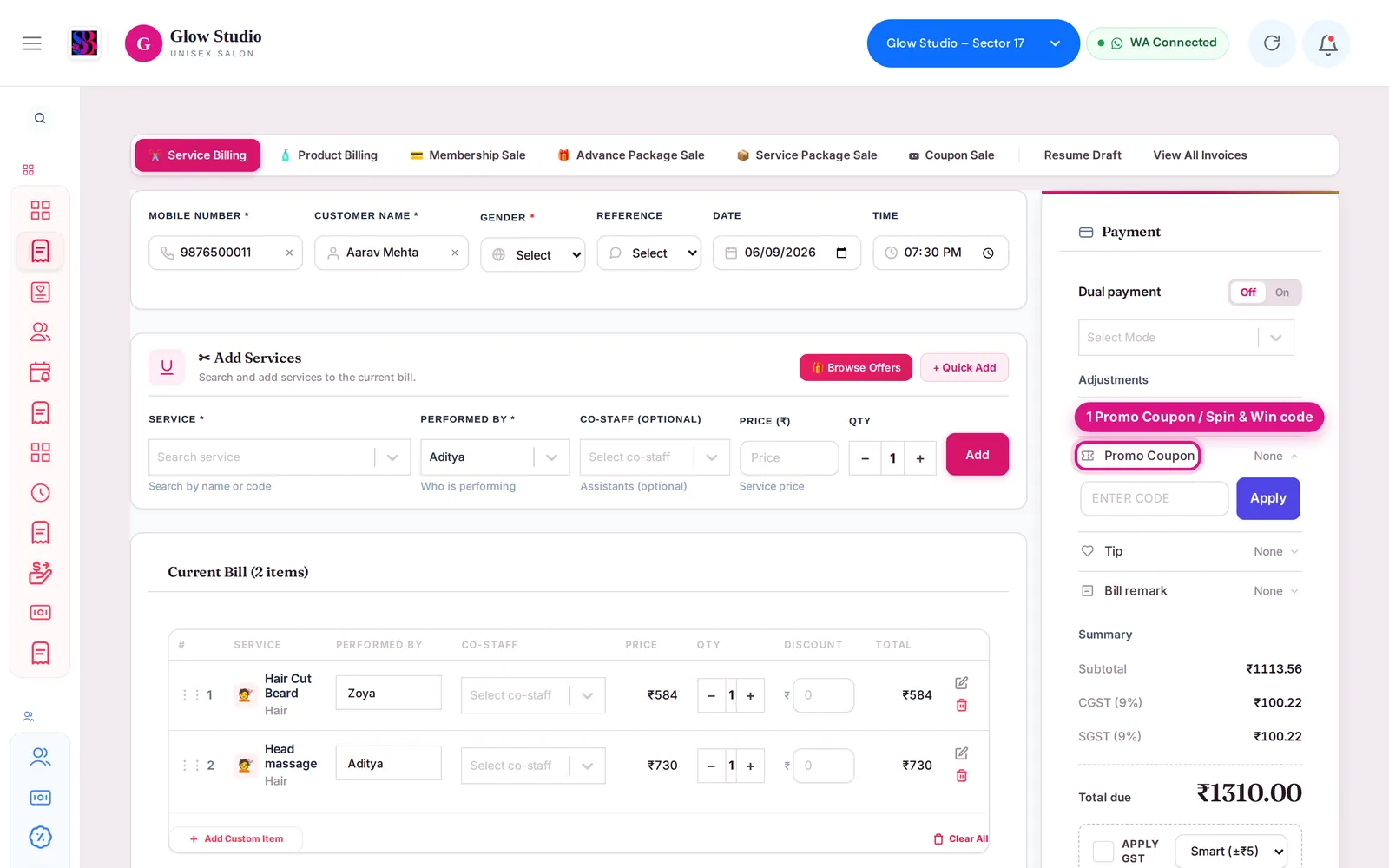
Promo coupons and Spin & Win codes are entered in the Promo Coupon box on the bill. Prepaid coupons (vouchers a customer bought) are used as a payment mode instead. Find the message you see below.
"Invalid coupon code."?
The code does not exist in this outlet. Check the spelling (letters and numbers) and that the right outlet is selected in the top bar.
"Coupon has expired." or "Coupon usage limit reached."?
The coupon's end date has passed, or it has been used as many times as allowed. It cannot be applied.
"Coupon is not valid for this branch."?
The coupon belongs to another outlet. Switch outlet or use a coupon from this outlet.
"This coupon code is restricted to a different customer account / phone number."?
The coupon was made for one customer. Select that customer on the bill.
"Select the customer who won this spin offer first."?
Choose the customer on the bill before applying a Spin & Win code. A reward can only be used by the customer who won it ("This spin offer belongs to a different customer.").
"This spin offer needs a bill of ₹… or more"?
The reward has a minimum bill. Add services until the bill reaches the amount shown.
The reward says it applies on regular / MRP prices only?
In simple words: a Spin & Win reward is only for services at their normal price, and it cannot be added on top of another deal. It does not apply to services that are:
- already discounted on the service line or sold below the normal price,
- part of a Current Offer or a combo,
- paid from a membership or package.
If every service on the bill is like this, you see "Spin & Win applies on regular/MRP-price services only — every service on this bill is already discounted / on offer / combo / package." If only some are, the reward is worked out on the normal-price services and the note shows "Not applied to: …". For a free-service reward, "The … on this bill is already discounted / on offer" means that service already has a lower price.
"Spin & Win cannot be combined with another discount."?
The bill has a manual or special discount as well as the spin reward. Remove the extra discount, or remove the spin offer, then save.
The spin reward disappeared from the bill?
SalonBill re-checks the reward whenever you change services, prices or discounts. If it no longer fits, it is removed and the reason is shown. Undo the change or apply a different reward.
"This spin offer was already used / has expired / was cancelled"?
These rewards cannot be used again. "The customer has not confirmed this spin yet." means the customer must finish the spin on their link first.
The Promo Coupon box shows "🔒 Locked – Offer Price Applied"?
A Current Offer is on the bill and coupons cannot be combined with it, unless the Owner turns on Allow Coupon on Offer in Offer Settings.
Prepaid coupon: "Prepaid Coupon balance is ₹… only"?
The coupon does not have enough balance (part of it may unlock only when its pending payment is collected). Pay the rest by another payment mode.
Prepaid coupon: "This Prepaid Coupon can pay up to ₹… on this bill"?
The coupon is valid only for some services or categories. Collect the rest by another payment mode.
"You do not have permission to redeem Prepaid Coupons."?
Ask the Owner/Admin to allow Redeem Prepaid Coupons for your role in Team Management → Permissions.
Last updated