
A bill will not save
Fix the common messages that stop a bill from saving - discount limit, outstanding dues, customer missing, wallet balance, payment total and job card locks.
- Who can use it
- Everyone who makes bills
- Where to find it
- Make A Bill
When a bill cannot be saved, SalonBill shows a red message on the screen. Find the message below. Always read the whole message: it usually tells you exactly what to change.
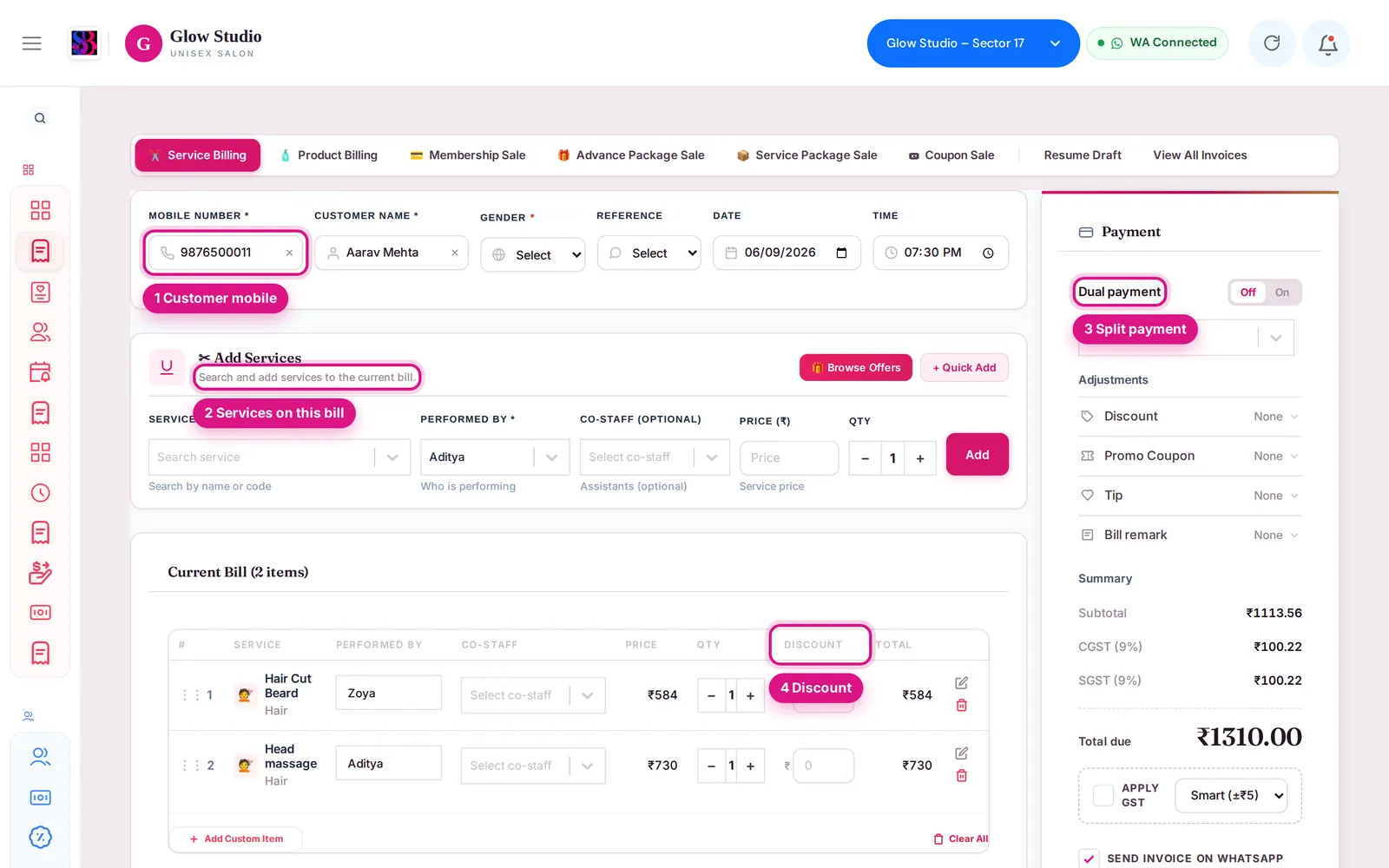
"Customer not found. Please select a customer (or enter name and phone) before billing."?
Enter the customer's mobile number and pick them from the list, or type a name and phone to add a new customer.
"No services selected for billing."?
Add at least one service with Add Services before saving.
A discount message such as "Maximum discount allowed is …" or "Discount limit exceeded"?
The discount is above your role's limit. Reduce it. See Discount is blocked.
"Outstanding Payment Pending – Please Clear Before Billing."?
The customer has unpaid dues. Clear the outstanding first (on Make A Bill click Add to bill next to "Outstanding payment pending", or use Pending outstanding). Staff with the Bypass outstanding balance check permission can bill anyway.
"Insufficient wallet balance. Billing cannot be completed."?
The customer's wallet does not cover the amount you put on Wallet. Lower the wallet amount and take the rest by another mode with Dual payment.
"Payment amount … cannot exceed the grand total …"?
The payment amounts add up to more than the bill. Correct the amounts in the payment panel so they equal the grand total.
"Tip payment mode is required when tip amount is entered."?
Choose how the tip was paid, or remove the tip.
"A bill for the service(s): … was already created for this customer in the last … minutes. Do you want to proceed?"?
SalonBill is protecting you from a double bill. Check View All Invoices. If it really is a new visit, confirm to continue.
"🔒 This customer already has an open Job Card …" or "🔒 This bill is generated from Job Card …"?
The bill is linked to a job card. Bill the job card, or edit the job card first. See Job card counts look wrong.
"This customer is blocked from billing at this outlet."?
The customer has been blocked. Ask the Owner/Admin.
A coupon, Spin & Win or offer message starting with 🔒?
Offers, combos, coupons and plan services have rules about what can be combined. See Coupon or reward not applying.
"The Loyalty Program is turned off for this salon, so points cannot be redeemed."?
Remove the points redemption, or ask the Owner/Admin to turn on the Loyalty Program in Settings.
"You are not authorised to create bills for this organisation."?
Check that the right outlet is selected in the top bar. If it is, ask the Owner/Admin for billing permission (Create service-billings).
I am sent to the Cash Drawer with "Please open the cash drawer to access the system."?
Your outlet requires the cash drawer to be opened before work starts. Open it first. See Cash drawer.
The Save button does nothing and there is no message?
Check your internet connection and click the Refresh button in the top bar, then try again. See App not updating.
Last updated