
Job card counts look wrong
Understand open job card counts on Make A Bill, the Job Card directory and the Dashboard pending alert, find old cards and clear ones that will never be billed.
- Who can use it
- Everyone who uses job cards; Clear Open Card - Owner/Admin, Co-owner or staff with "Clear Open Job Cards
- Where to find it
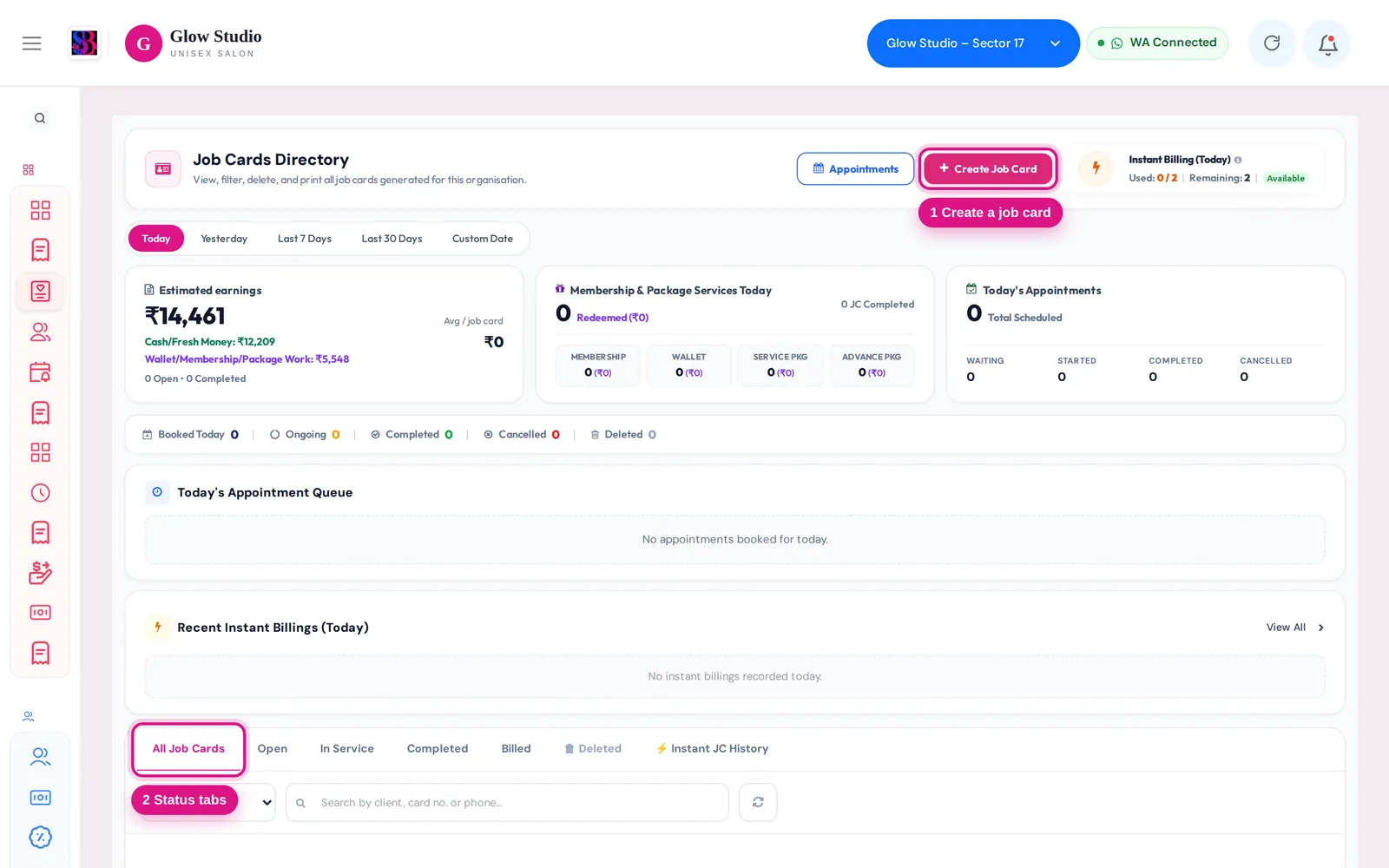
- Make A Bill → Open job cards; Job Cards; Dashboard alert
SalonBill uses one rule everywhere for an "open" job card: a card with services still waiting, that has not been billed (fully or partly), has no deleted service rows, and whose customer still exists. Age does not matter. Everything else is history and is never counted as open.
Make A Bill shows "Open job cards – N open" for a customer. What is counted?
Each card counts once, even if it has several services. The chips list the card number, services and staff. Click a chip to bill that card, or View to see its details and choose to bill it, open it in the directory or clear it. Completed cards that were never billed also appear here, because they can still be billed.
Why can't I find an old card in the Job Card directory?
The directory list follows the date filter (for example Today). To find an older card, type the card number, client name or phone in the search box. Search looks through all dates; the date filter applies only when the search box is empty.
The Dashboard says "You have N pending Job Cards older than 24 hours"?
This counts only open cards that still have services open or in service and were created more than 24 hours ago. Completed, billed, cancelled or deleted cards are not counted. Click the alert to see exactly those cards, then complete, bill or clear each one.
How do I clear a card that will never be billed?
- In Job Cards, open the card's action menu.
- Click Clear Open Card.
- Enter a detailed reason and confirm.
Its open services are cancelled and the action is saved in the Audit Trail. This option appears only for true open cards and only for the Owner/Admin, Co-owner or staff with the Clear Open Job Cards permission.
A bill says "🔒 This customer already has an open Job Card … with different services."?
Bill that card from Open job cards on Make A Bill, or complete or clear it on the Job Card page first, then create the new bill.
The bill says "🔒 This bill is generated from Job Card …" and I can't change services?
Services on a bill made from a job card cannot be changed on the billing screen by any role. Edit the job card first, then generate the bill.
"This Job Card has already been billed."?
The card was billed already. Open the bill from View All Invoices instead of billing it again.
The count went down after an update?
Cards that are fully billed, partly billed, edited or deleted are history, not open work. Only cards waiting to be served or billed are counted.
Last updated